Tech Stack



Overview
Recreate the sound
of a song.
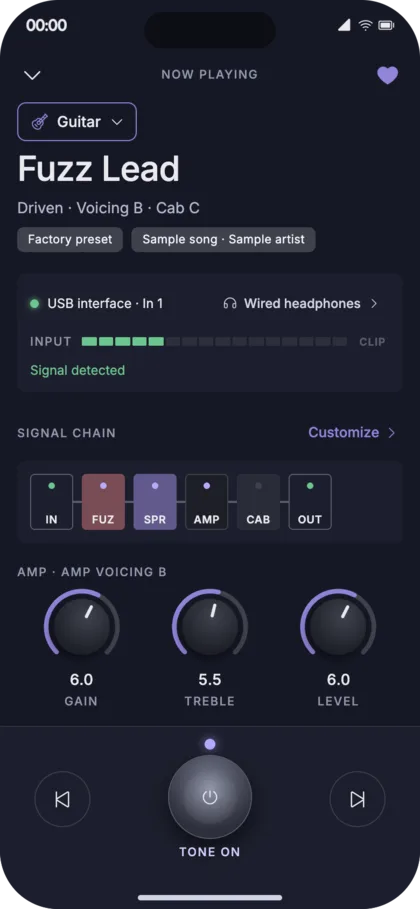
Getting the exact sound of a song usually means knowing a lot about amps, pedals, and effects. ToneCore makes it simple: search for a song or artist, pick a tone made to sound like that recording, plug in your guitar or bass, and play.
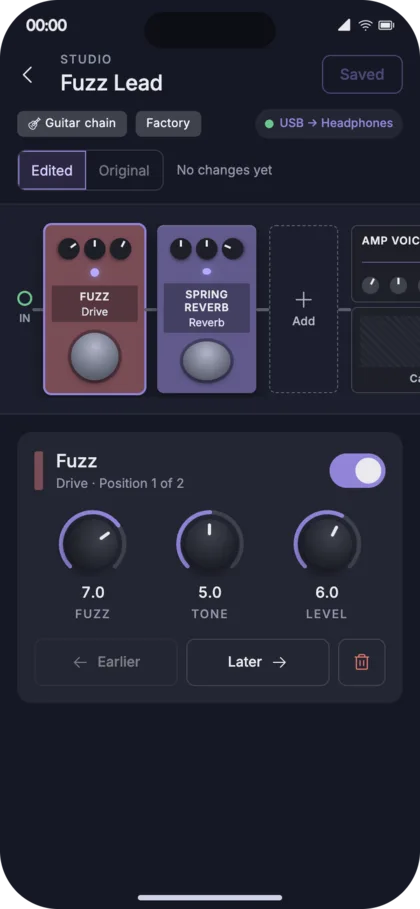
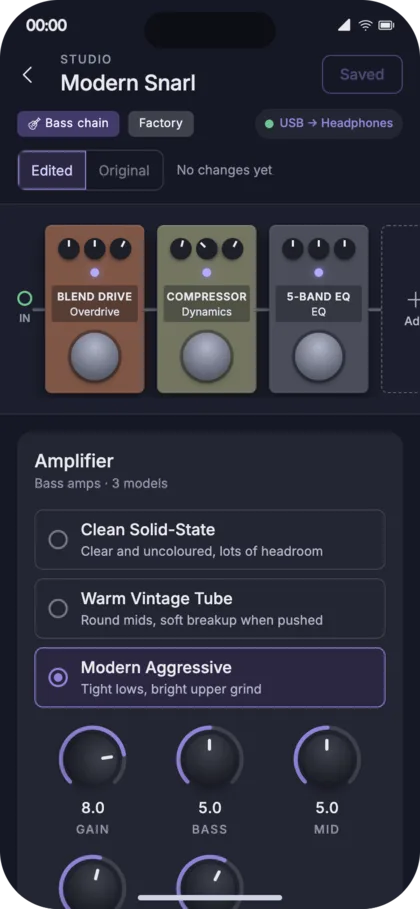
If you want to go further, you can adjust every effect and make the sound your own. The same sound engine runs on iPhone, Android, and the web.
What's Inside
Song Search
Find a tone by song or artist instead of building one from scratch.
52 Ready-Made Tones
32 for bass and 20 for guitar, ready to play.
Effects Studio
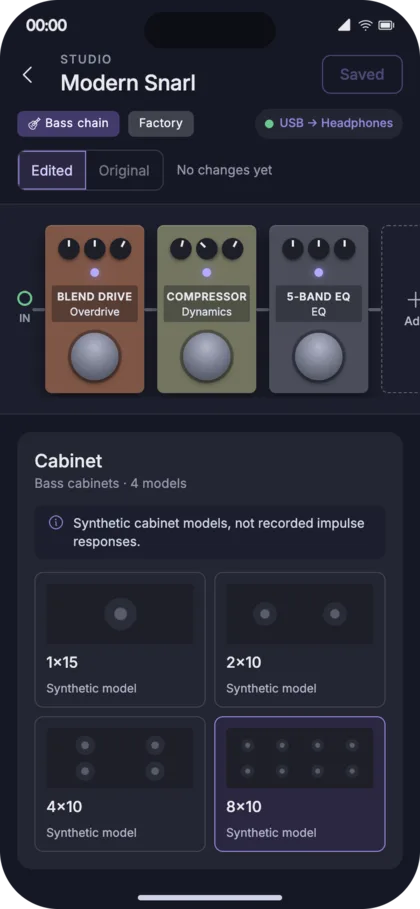
Change the pedals, amp, and speaker cabinet to shape the sound.
Favourites
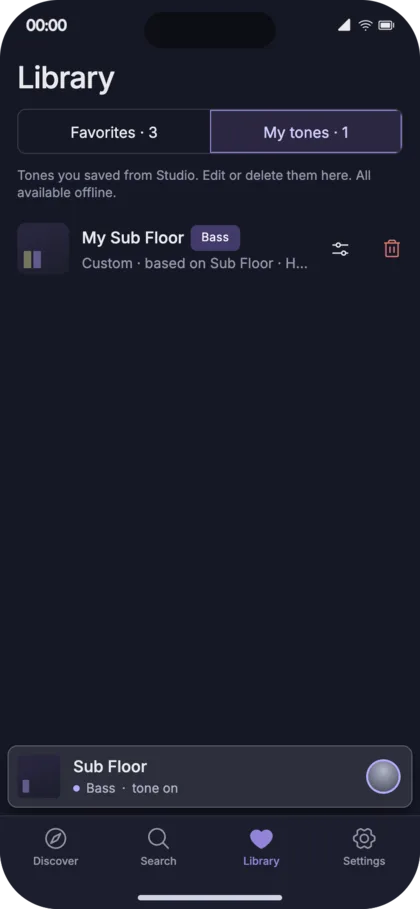
Save the tones you like and come back to them anytime.
Where It Stands
Built, tested, and heading to real players.
- 01 One Sound Engine, Three Platforms I built the audio engine once and use it in the iPhone app, the Android app, and the web studio, so a tone sounds the same everywhere.
- 02 Reliable, Real-Time Audio A big part of the work has been making the sound play instantly and without glitches, with tests to keep it that way.
- 03 Next: Testing With Musicians Guitarists and bassists will compare the tones to the original recordings, so I know how close they really sound.
Mobile App Design
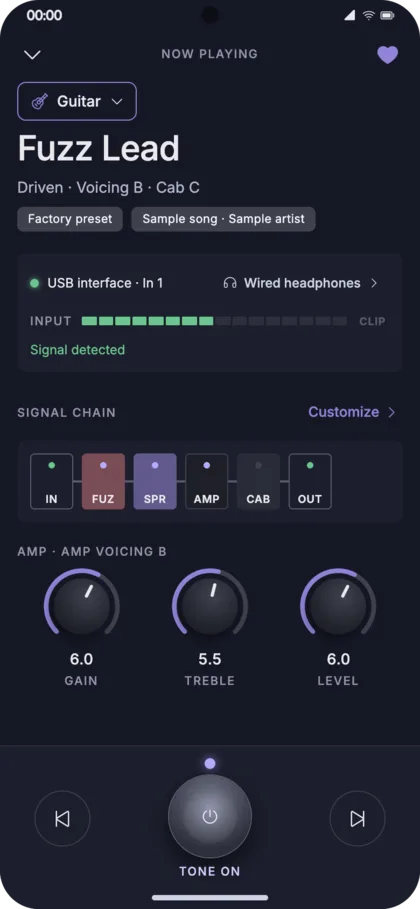
Browse, play, then edit.
Live Studio
Try it yourself.
Use headphones. The studio can take live audio from a microphone or audio interface, and open speakers will cause feedback. Your browser will ask for microphone permission when you start. If the embedded view can't access it, use the open-in-new-tab link.